When a computer is simply faster
- Entering a stack of bills at the end of the day with a keyboard.
- Reconciling a supplier's account while they are on the phone.
- Sending month-end statements to many customers.
- Letting an office assistant or accountant review the books on a big screen.
What you get on the web
- A dashboard with you lent, you owe and your net balance.
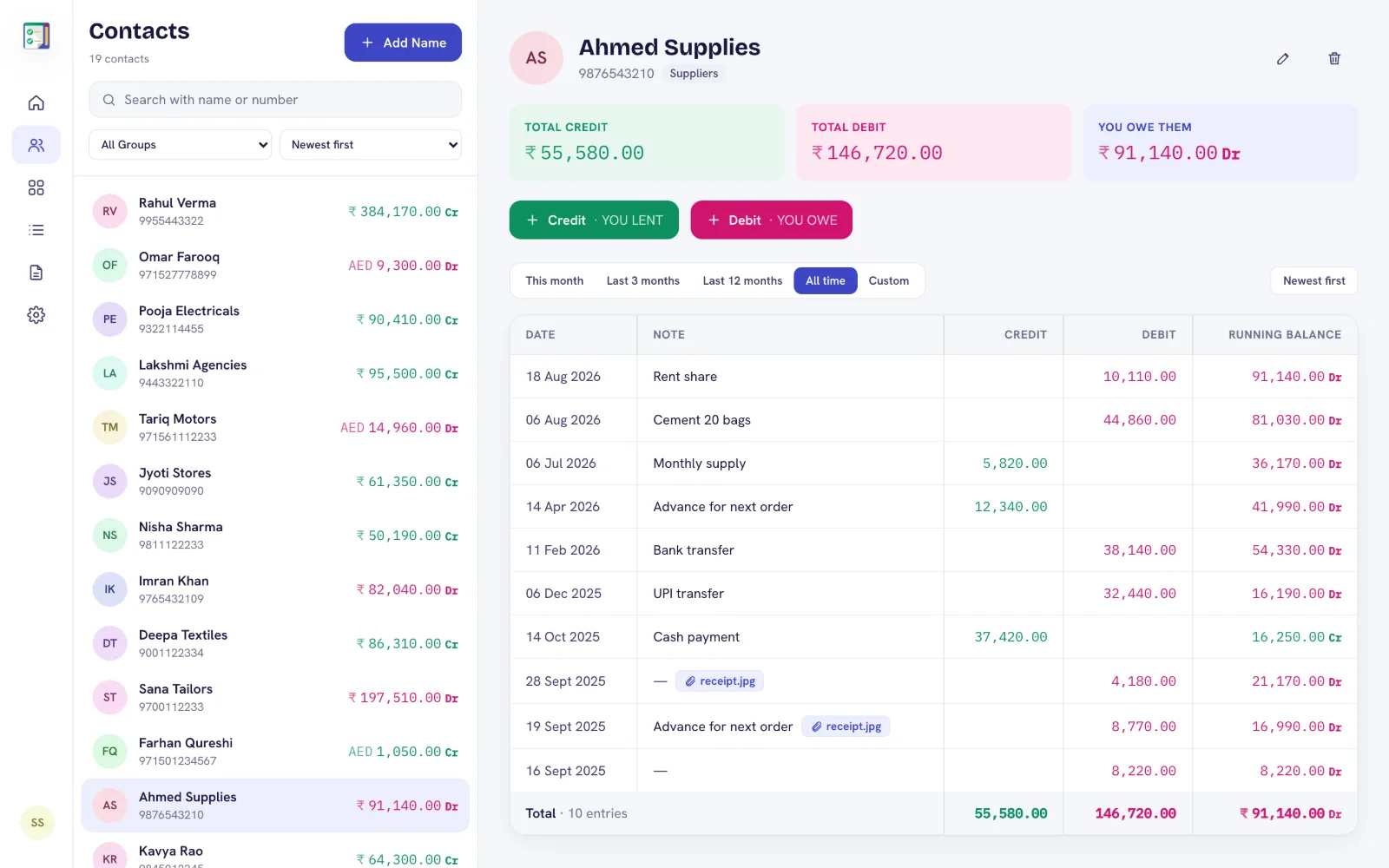
- Every contact's ledger with date, note, credit, debit and running balance.
- Add, edit and delete entries, contacts and groups, with undo.
- Photo and file attachments stored in your Google Drive.
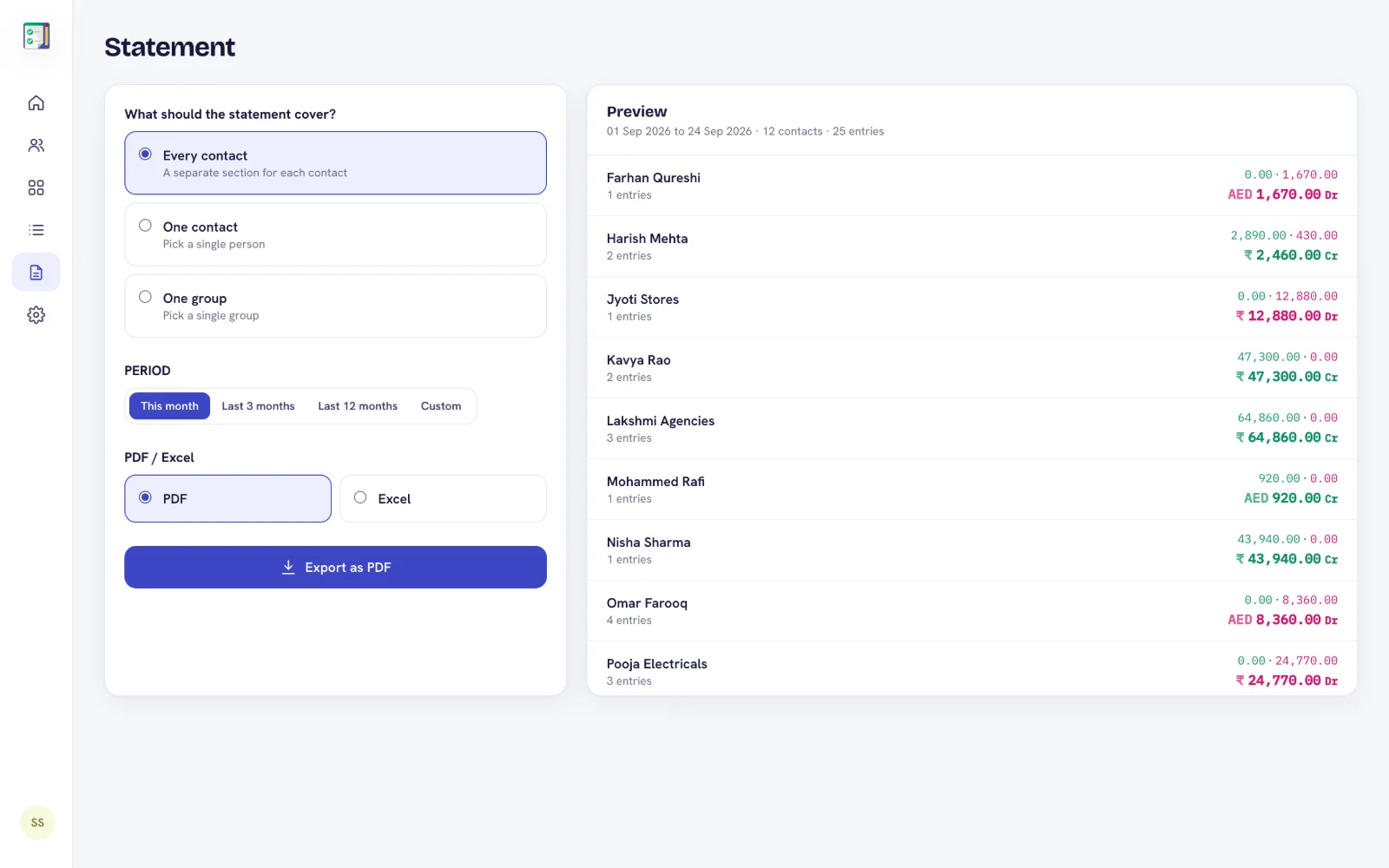
- PDF and Excel statements, and a searchable list of all transactions.
- English, Hindi, Gujarati, Arabic and Urdu, light and dark mode.
No installation
There is nothing to install on the computer. Open admin.debitcredit.app in Chrome, Edge, Safari or Firefox and sign in with the Google account you use in the app. The web app is included with Premium and Plus — see DebitCredit Web for screenshots.
Frequently asked questions
Can I use DebitCredit on a PC or laptop?
Yes. Open admin.debitcredit.app in any modern browser on Windows, Mac or Chromebook and sign in with your Google account.
Do I need to install anything?
No. The web app runs in the browser.
Is the web version free?
Web access is included with the Premium and Plus subscriptions. The Android app itself is free to start.