
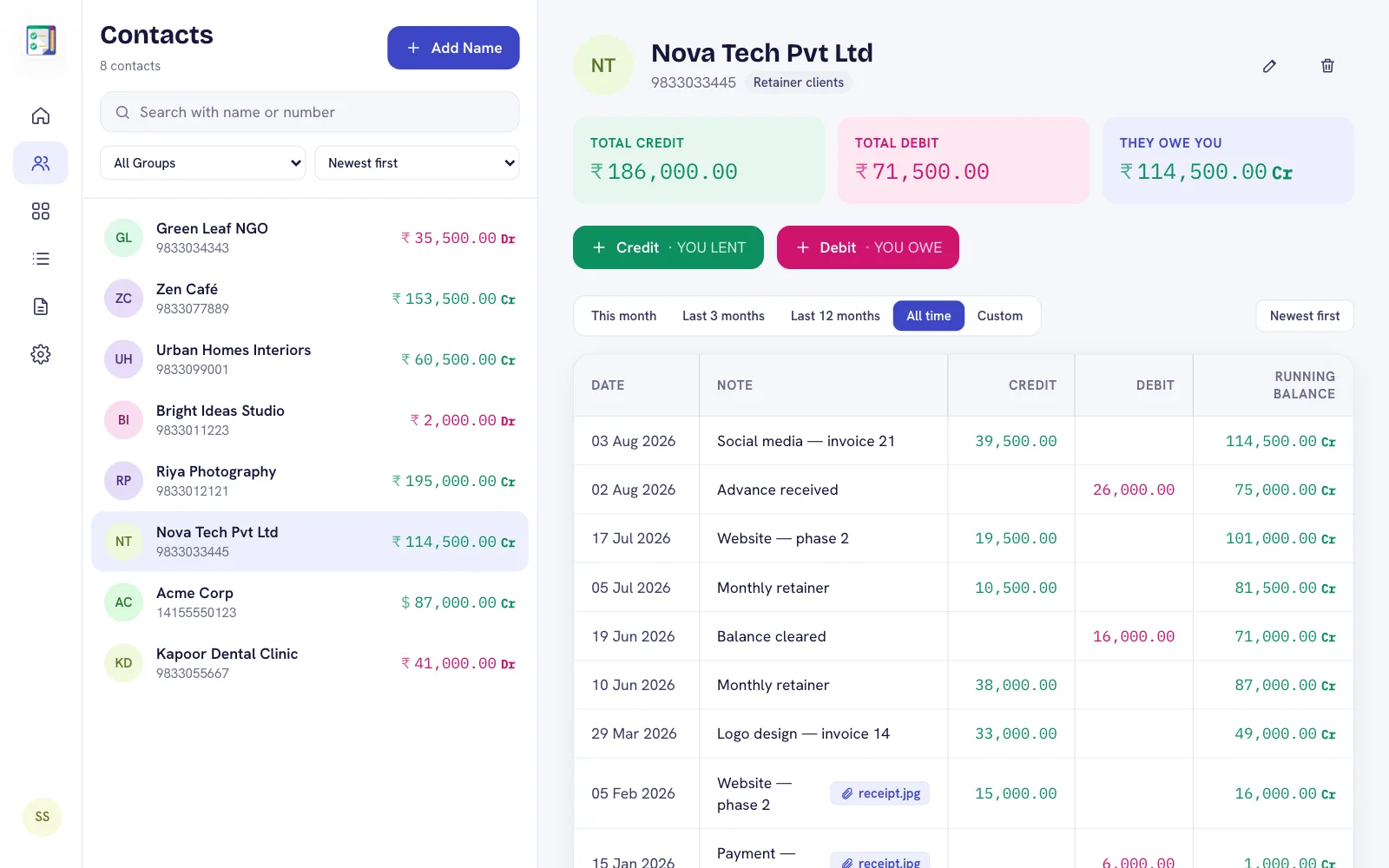
From "I think they paid" to certainty
Add the amount you bill a client as a credit entry and each payment or advance as a debit entry. The balance tells you what is outstanding, and the note tells you which job it was for.
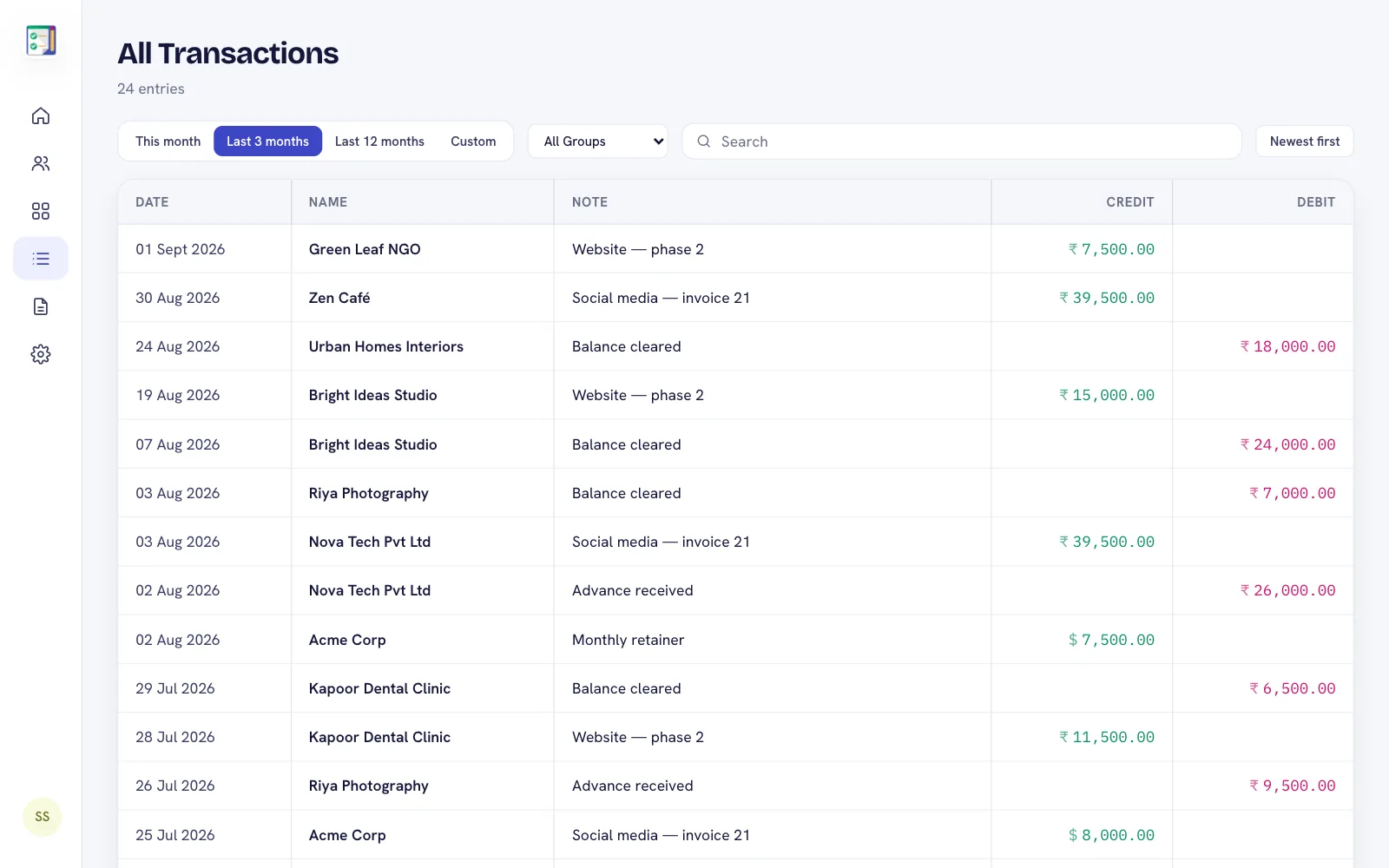
Handy for service work
- Attach a photo of an invoice, quotation or bank receipt to the entry.
- Due dates for promised payments, with reminders.
- Statements to send a client a clean account of work and payments.
- Multiple currencies — set a currency per client if you work with clients abroad.
On your laptop
If most of your day is at a laptop, Premium and Plus include the DebitCredit web app: add entries with the keyboard and download statements straight to your computer.
Frequently asked questions
Can I use a different currency for some clients?
Yes. Each contact can have its own currency.
Can I attach invoices or receipts?
Yes. Attach a photo or file to any entry.
Is it an invoicing tool?
DebitCredit is a ledger: it tracks what each client owes and has paid. You can share clean statements, but it does not create tax invoices.