
A simple system for rent
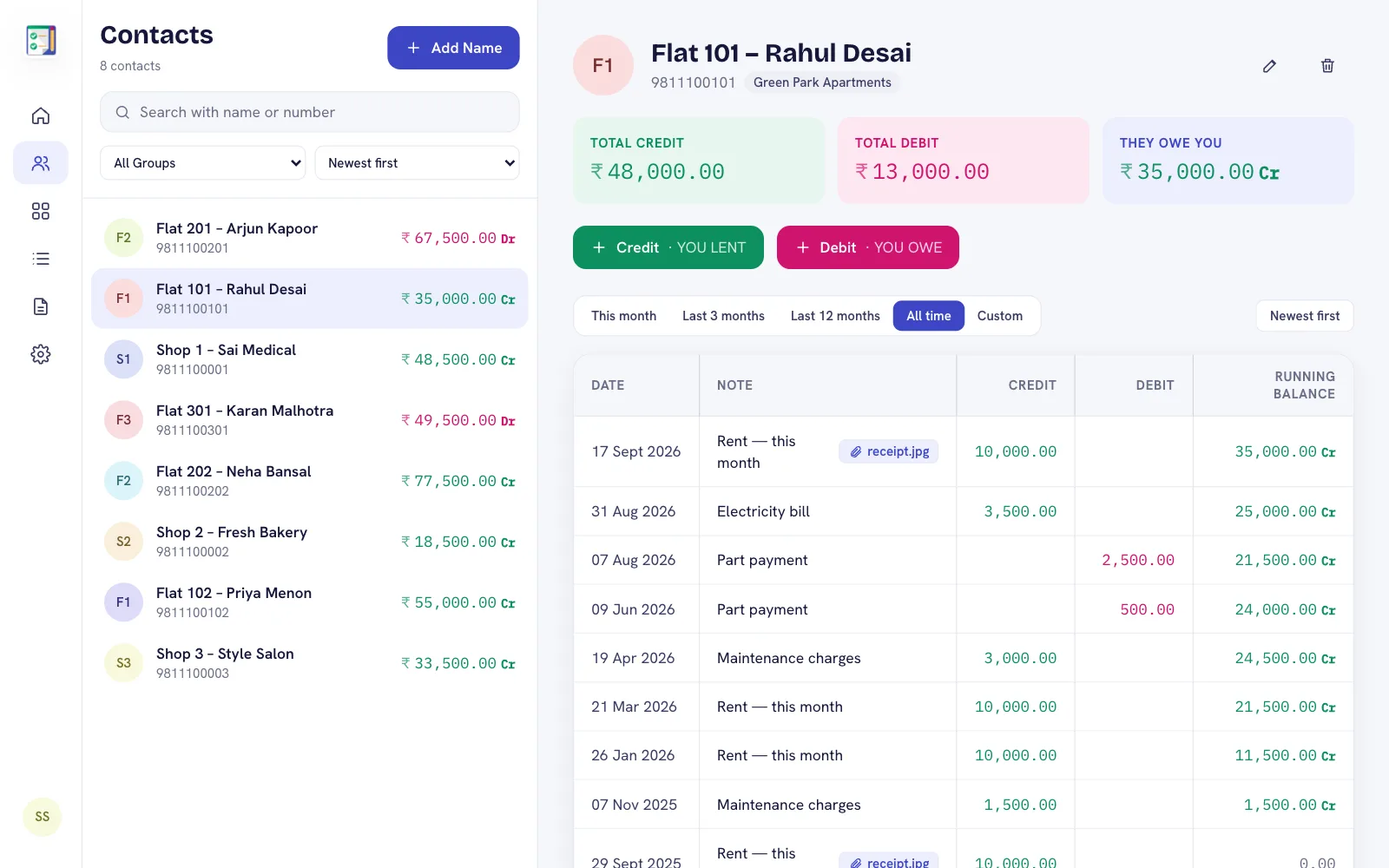
At the start of each month add the rent as a credit entry — the tenant owes it. When they pay, fully or in parts, add a debit entry. The running balance shows what is still due, month after month.
What landlords use most
- Due-date reminders for the rent date, so collection never slips.
- Notes for electricity, maintenance or repair charges added to the rent.
- Deposits recorded in the same ledger, so settling up when a tenant leaves is easy.
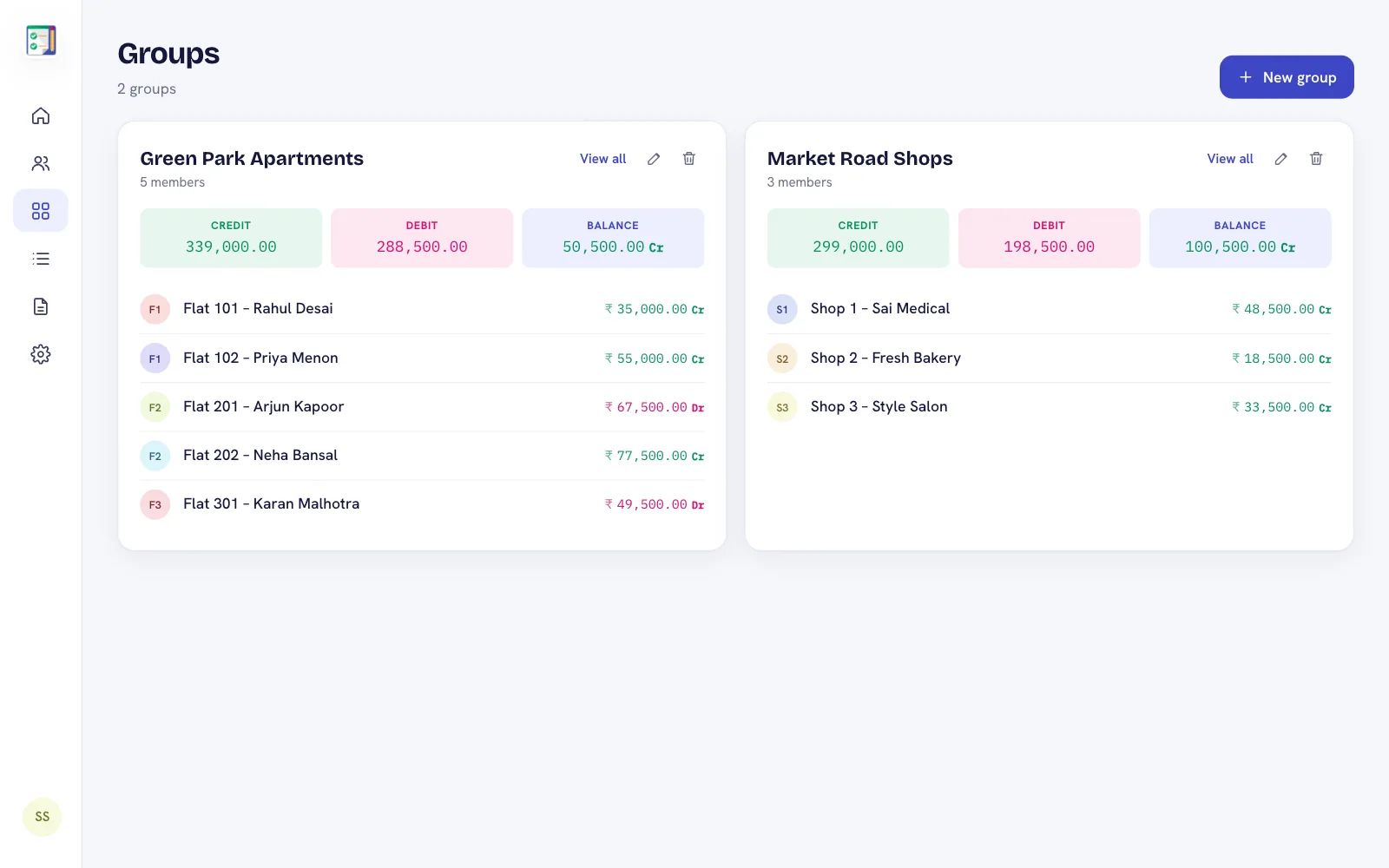
- Groups per building or property, with a combined balance.
- Statements as PDF or Excel for a tenant or a whole building.
- Photos of receipts attached to the entry.
Tip: create a group for each property. The group total tells you at a glance how much rent is outstanding in that building.
Premium and Plus members can review every tenant on the DebitCredit web app from a computer — handy for year-end summaries.
Frequently asked questions
Can I record part payments of rent?
Yes. Add each payment as a separate entry; the running balance always shows what is still pending.
Can I get reminders for rent due dates?
Yes. The Android app can remind you on the due date you set for an entry.
Can I share the rent statement with my tenant?
Yes. Send a PDF statement or a read-only link protected by a 4-digit PIN.